DP Alt Mode Over USB4: The Ultimate One-Cable Display Solution
For years, connecting a laptop to a professional monitor meant dealing with a tangle of HDMI cables, separate power bricks, and clunky adapters.
DisplayPort (DP) Alt Mode over USB4 changes the physics of connectivity. By leveraging the massive 40Gbps bandwidth of USB4, we can now drive ultra-high-definition displays, transfer data, and charge devices—all through a single USB-C interface.
Mattzon is the first and professional manufatuerer for USB4 AOC cables, DP cables in China, with more than 15+ years experience and back up with more than 100+workers!
The "Alt Mode" (Alternate Mode) allows your device’s USB-C port to bypass standard USB data protocols and transmit raw video signals directly from the GPU.
8K Resolution at 60Hz: USB4 supports DisplayPort 2.0 specs, enabling raw 8K video output without compression artifacts.
High Refresh Rates for Pros: It’s not just about resolution. USB4 DP Alt Mode supports 4K at 144Hz (and up to 240Hz with DSC), making it ideal for video editors and game developers who need fluid motion.
HDR10 Support: Full 10-bit color depth is supported for color-critical work.
What are the most ideal usage?
1. Creative Studios & Editing Bays
Video editors and designers often need dual-monitor setups, which historically required multiple cables running back to the PC.
The USB4 Solution: Daisy Chaining (MST). Unlike HDMI, DisplayPort Alt Mode allows you to connect your laptop to Monitor A, and then connect Monitor A to Monitor B. You get a dual-screen workspace with only one cable plugged into your laptop.
2, Cooperate conference rooms
Bring Your Own Device" meetings often fail because the room has an HDMI cable, but the presenter has a MacBook with only USB-C ports.
The USB4 Solution: A Universal Docking Station. A single USB4 cable connects any user (Windows or Mac) to the room’s 4K projector, webcam, and speakerphone, while simultaneously charging their laptop.
3. Digital Signage & Retail
Cable length and clutter. Running separate power and video cables to a high-mounted display is expensive and messy.
The USB4 Solution: Single-Cable Deployment. USB4 delivers video and up to 100W (or even 240W) of power.
FAQ
Q: Does USB4 DisplayPort Alt Mode replace HDMI?
Mattzon: For computers and laptops, often yes. USB4 is more versatile because it handles data and power alongside video.
Q: Can I daisy-chain monitors with USB4?
Mattzon: Yes, provided your monitors support MST (Multi-Stream Transport). You can chain multiple displays together using DP Alt Mode, which is a feature HDMI generally does not support.
Q: Do I need a special cable for DP Alt Mode?
Mattzon: You need a certified USB4 cable (rated for 20Gbps or 40Gbps) to ensure full bandwidth for high resolutions like 8K or 4K/144Hz. Using a cheap "charge-only" USB-C cable will result in a black screen.
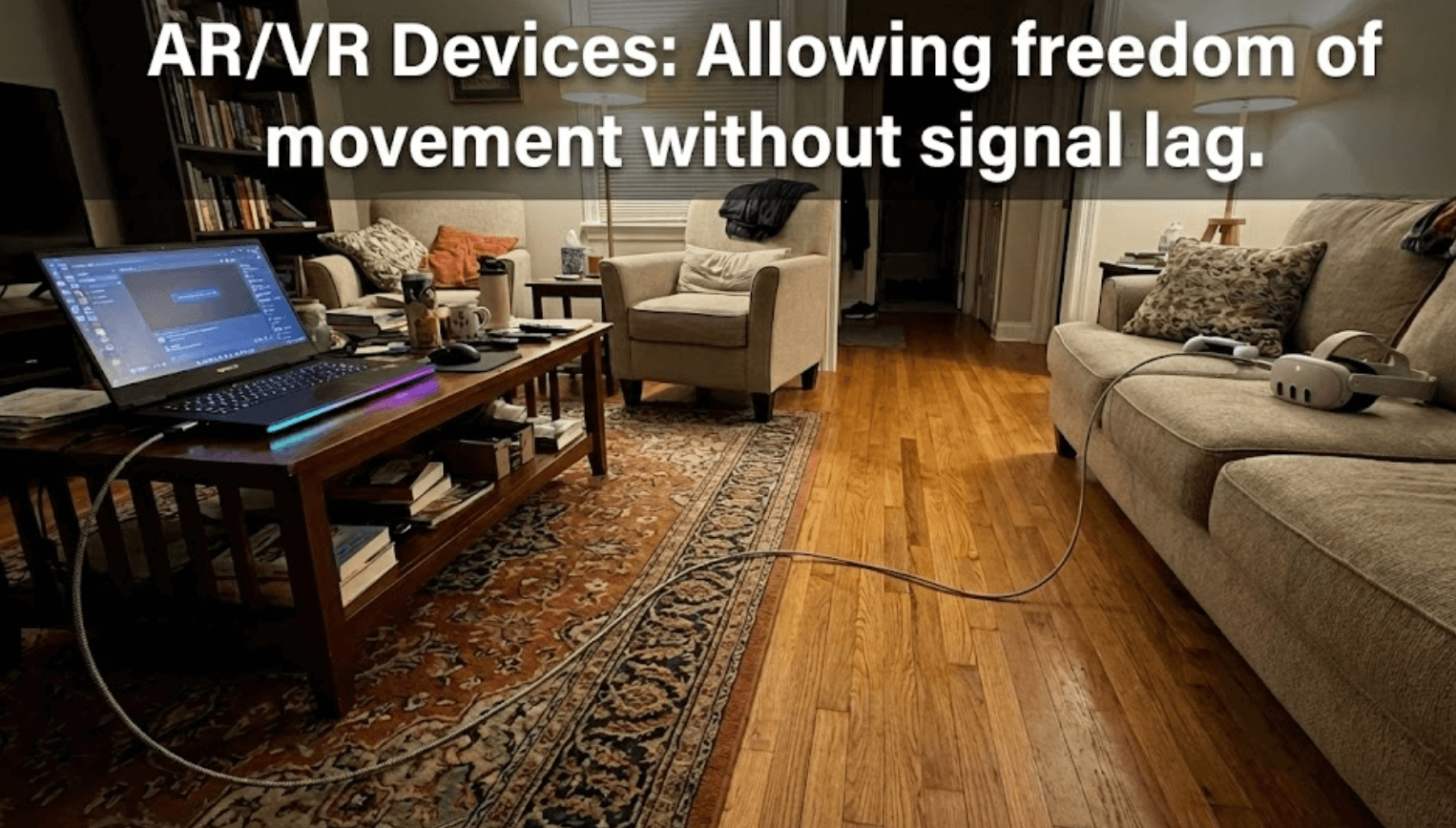 Why USB4 Hybrid AOC can achieve 40Gbps at any length
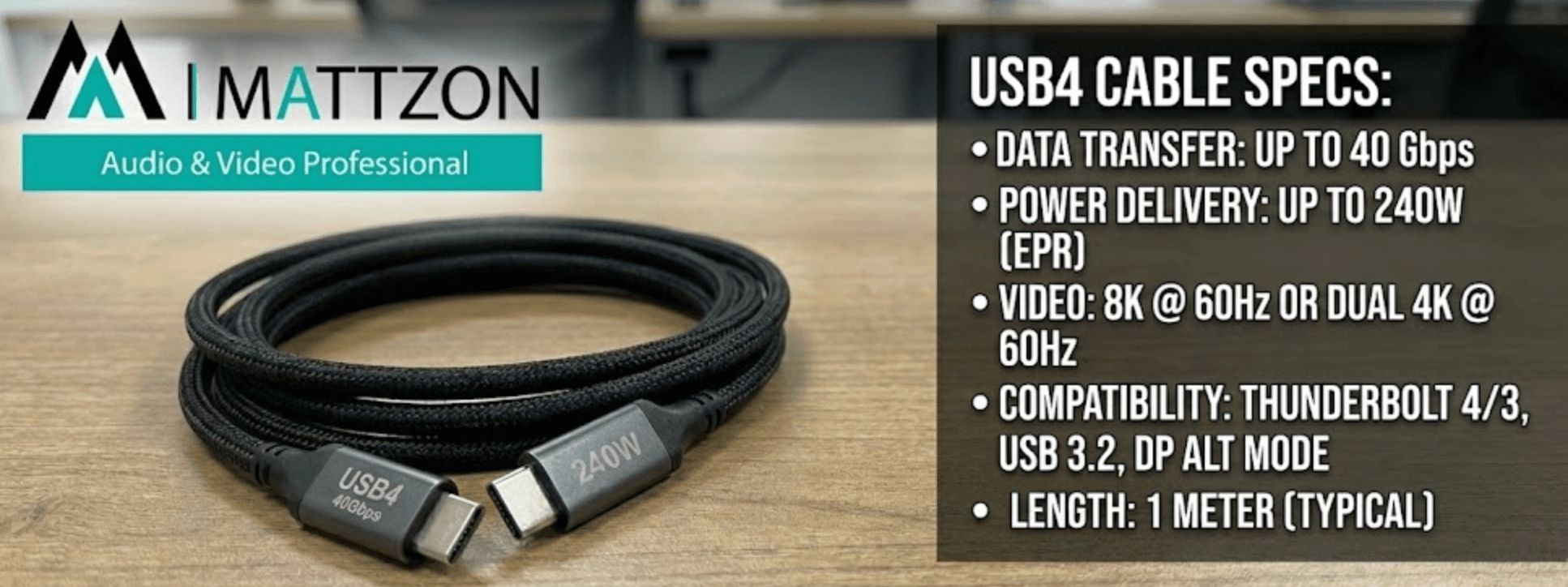 Mattzon launch New USB4 Series
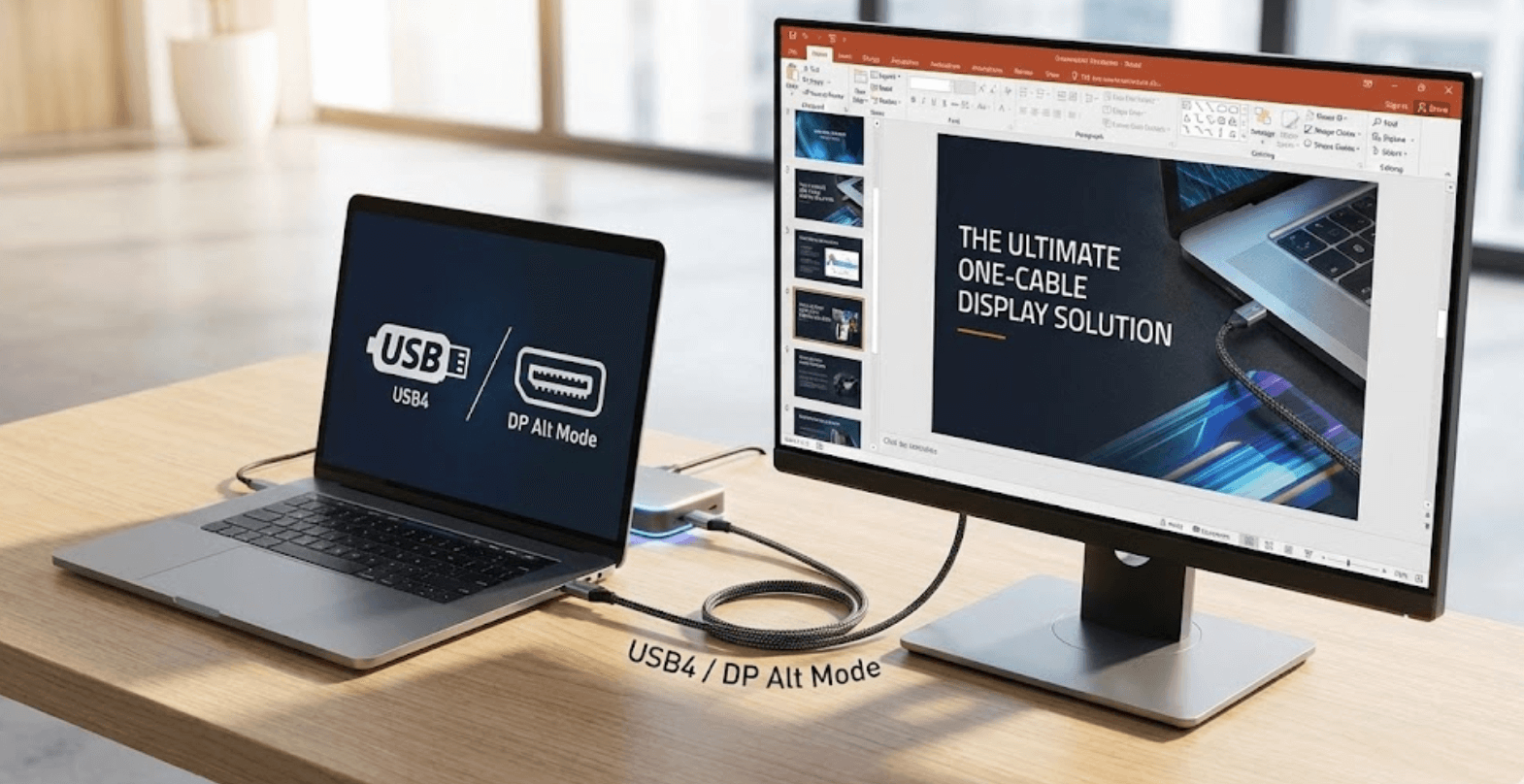 DP Alt Mode Over USB4: The Ultimate One-Cable Display Solution